
Find it later. Keep it yours.
All your screenshots and recordings live in a fast local gallery. Search by name or tag, filter images and videos, play recordings with seeking and speed controls, and zoom screenshots up to 800%.
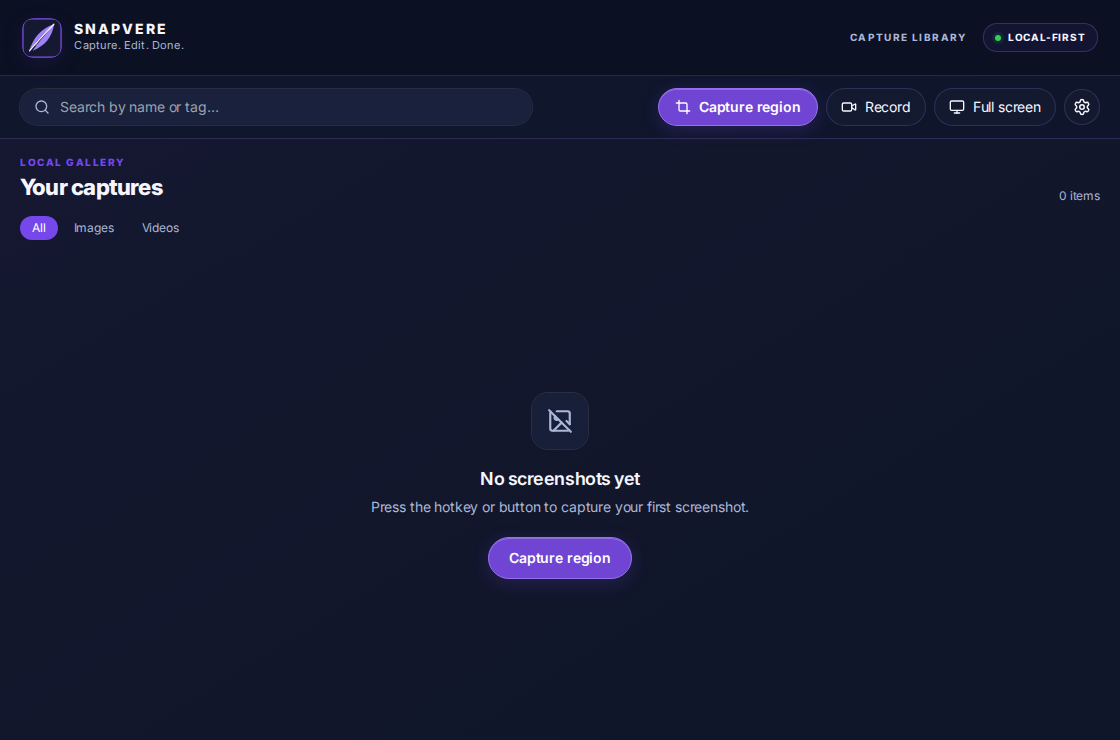
Instant search
Find any capture by name or tag in milliseconds, even with thousands of items.
Built-in player
Seek, adjust volume and playback speed, or go full screen without leaving the app.
Image viewer
Zoom up to 800%, pan freely and step through captures with the arrow keys.
Compact layout
A dense layout for power users who keep hundreds of captures at hand.
Stored on your device
Media is saved to a folder you choose, with metadata in a local database. No account, no sync, no upload.
Resilient storage
If the library ever becomes unreadable, Snapvere stops and preserves your media for recovery instead of silently replacing your history.
Three steps. Seconds, not minutes.
- 1
Open Snapvere from the tray icon or with your hotkey.
- 2
Search by name or tag, or filter to images or videos.
- 3
Click any item to view, zoom or play it — arrow keys move to the next.
At a glance
- Storage
- Folder of your choice + local database
- Search
- Name and tag search
- Viewer
- Zoom up to 800%, pan
- Player
- Seek, volume, speed, full screen
- Layouts
- Comfortable and compact
Common questions
Where are my files stored?
In a folder you choose in Settings → Save. They're ordinary PNG, JPG, MP4 and GIF files you can open with any app.
Can I back up my library?
Yes. Copy your save folder to any backup drive or service you already use.
More from Snapvere
Capture what matters. Keep it yours.
Free for Windows and Linux. Upgrade to Pro for advanced recording and batch workflows. No automatic capture uploads.
Platform note: Windows supports MP4 and optional audio. Linux currently records silent GIFs only; MP4, audio and cursor compositing are unavailable on Linux. Desktop compatibility can vary.