Features

Everything you need to show, explain and keep your screen.

Four focused tools, one quiet workspace. Snapvere covers the complete journey from a single keystroke to a clear, shareable file — without accounts, uploads or clutter.
Two editions. One local-first workflow.

Choose your Snapvere.

Start with everything you need for everyday capture, or add a dedicated professional workspace.

FREE

Snapvere Free

0 EUR

Everyday screenshots, recording and editing for personal or business use.

  • Region and full-screen screenshots
  • Annotation, arrows, shapes, text and redaction
  • Clipboard and PNG, JPEG or WebP export
  • Local searchable gallery and tags
  • GIF recording; Windows MP4 with optional audio
  • 12 interface languages; no capture upload
PRO

Snapvere Pro

29 EUR

All Free features, plus professional recording and batch workflows.

  • Dedicated Pro Studio workspace
  • 8 recording presets for different workflows
  • 6 locally saved custom recording profiles
  • Batch selection and local export of up to 100 items
  • Image export presets: original, PNG, resized PNG and lossless WebP
  • Quick selections by type, date, tags, size and untagged items
  • Gallery insights: counts and loaded storage

Free is downloaded after entering a valid email address. For Pro, submit your billing details to request an invoice and payment instructions by email. The Pro edition is delivered by email after payment is confirmed. No payment is collected on this website.

Precise capture
01 · Precise capture

Grab exactly what you mean, nothing more.

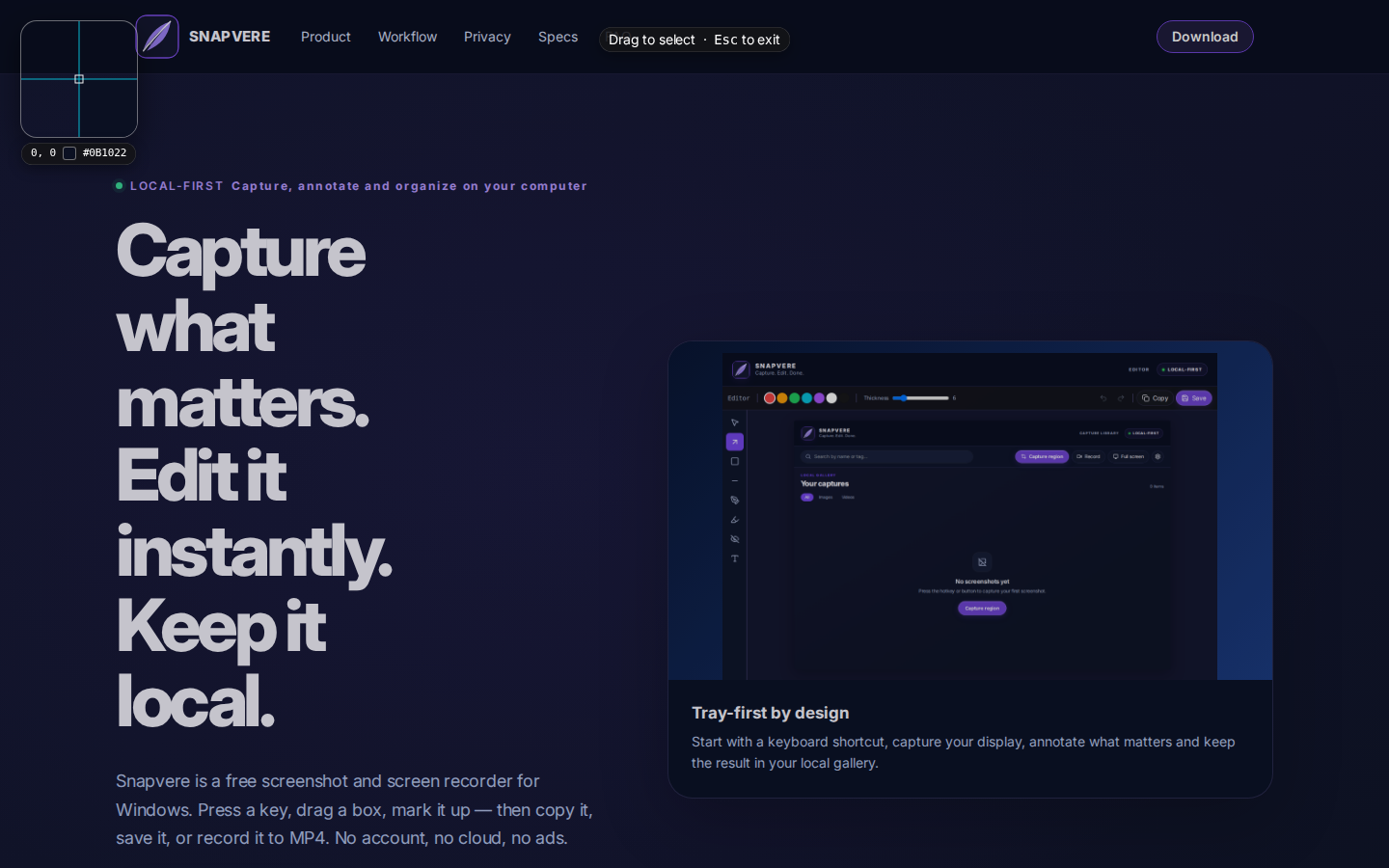
Press a single shortcut and Snapvere freezes your display, so menus, tooltips and hover states stay exactly where they are. Drag a region with a magnifier loupe at your cursor, snap to a window, or take the entire display in one keystroke.

  • Frozen-frame selection
  • Magnifier loupe
  • Multi-monitor aware
  • Full-screen in one key
Explore precise capture
Annotate & redact
02 · Annotate & redact

Explain visually. Protect what's private.

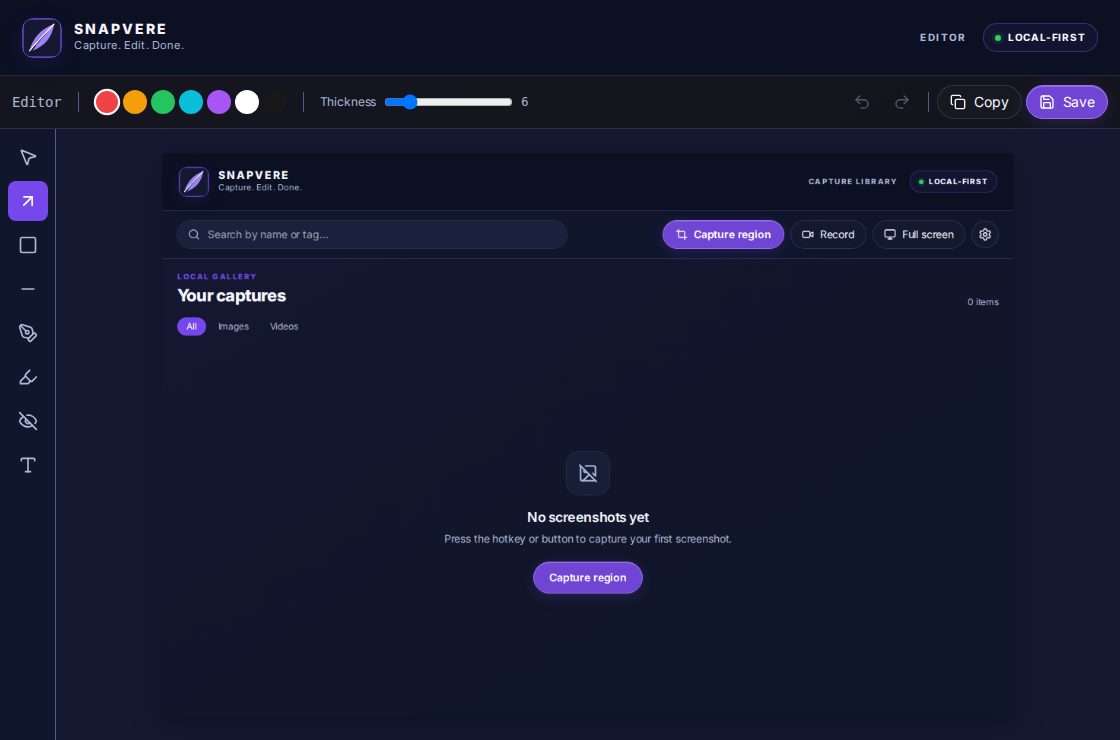
Mark up a capture the moment you take it. A compact toolbar gives you arrows, rectangles, ellipses, a pen, a highlighter, numbered steps, text labels and a real blur tool, all with undo and redo.

  • Arrows & shapes
  • Numbered steps
  • Blur & redact
  • Text labels
Explore annotate & redact
Screen recording
03 · Screen recording

Show the whole flow, not just a frame.

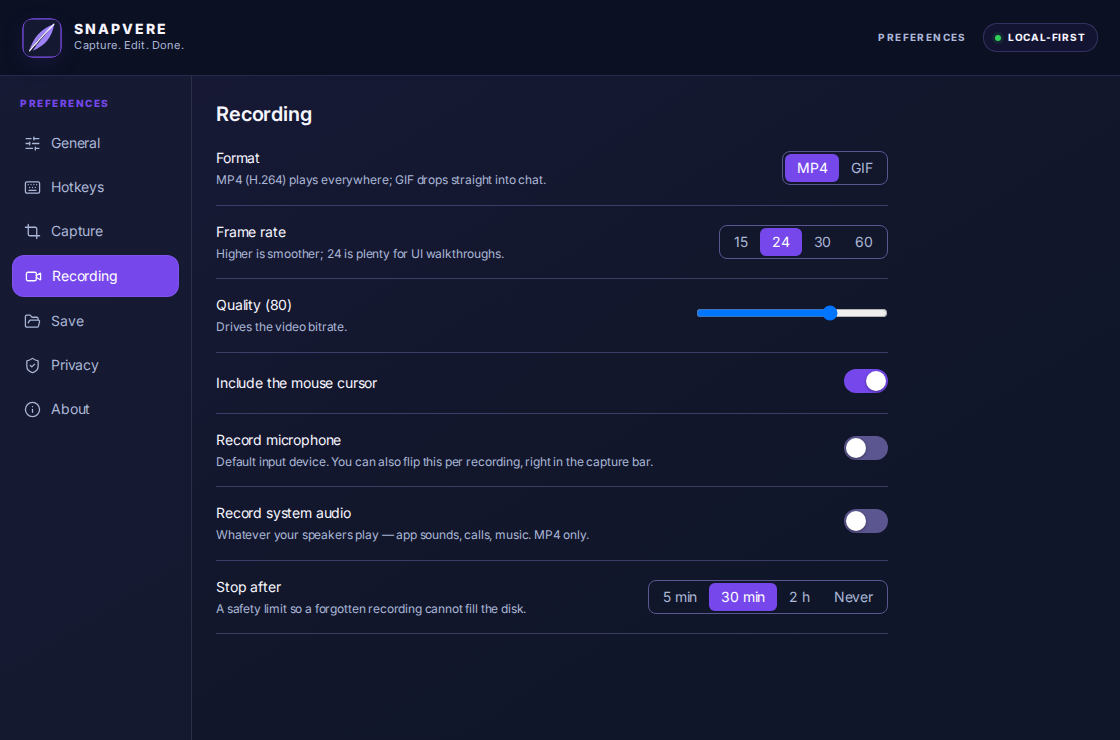
Record a region or display locally. Windows supports MP4 and GIF with optional MP4 audio; Linux supports silent GIF. Pause and resume using the recording controls.

  • MP4 & GIF
  • Microphone & system audio
  • Draw while recording
  • Pause, resume, discard
Explore screen recording
Local library
04 · Local library

Find it later. Keep it yours.

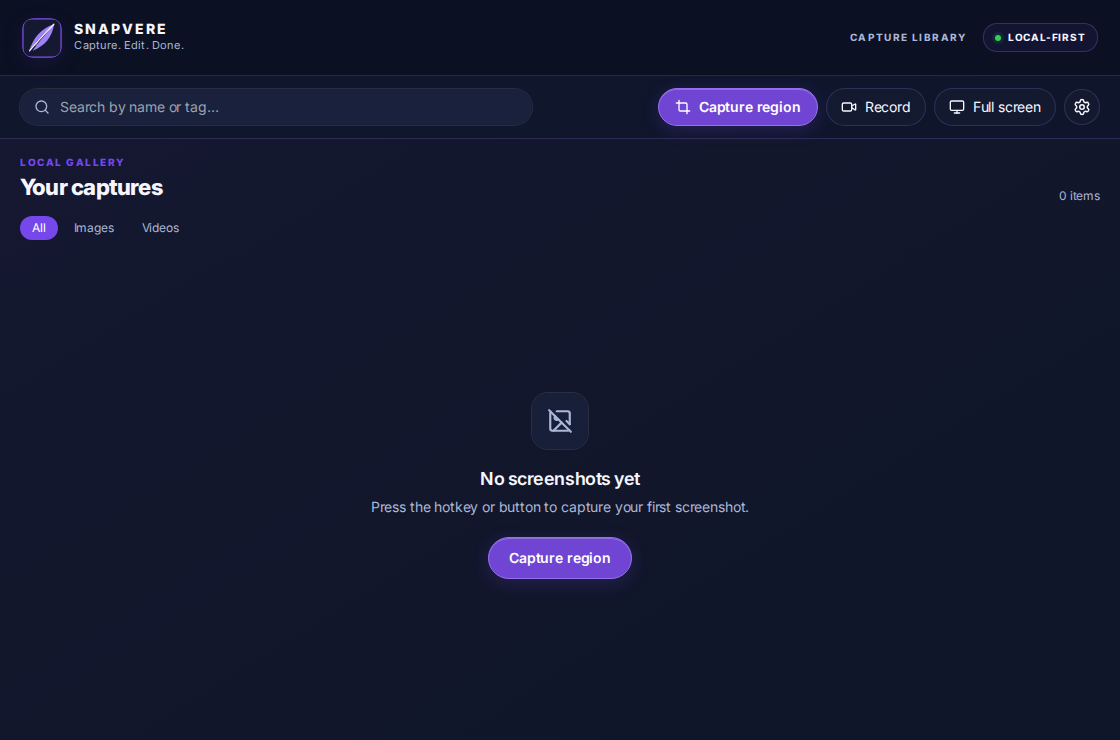
All your screenshots and recordings live in a fast local gallery. Search by name or tag, filter images and videos, play recordings with seeking and speed controls, and zoom screenshots up to 800%.

  • Instant search
  • Built-in player
  • Image viewer
  • Compact layout
Explore local library

Capture what matters. Keep it yours.

Free for Windows and Linux. Upgrade to Pro for advanced recording and batch workflows. No automatic capture uploads.

Platform note: Windows supports MP4 and optional audio. Linux currently records silent GIFs only; MP4, audio and cursor compositing are unavailable on Linux. Desktop compatibility can vary.